
Disney Resort Mobile Ordering: How It Works
A Disney day already has plenty to plan, and meals are one place where I suggest checking your options before everyone is hungry. Mobile ordering lets you arrange food at participating Walt Disney World quick-service locations through My Disney Experience. Here is how to use it, plus where to check the restaurants available for your visit.
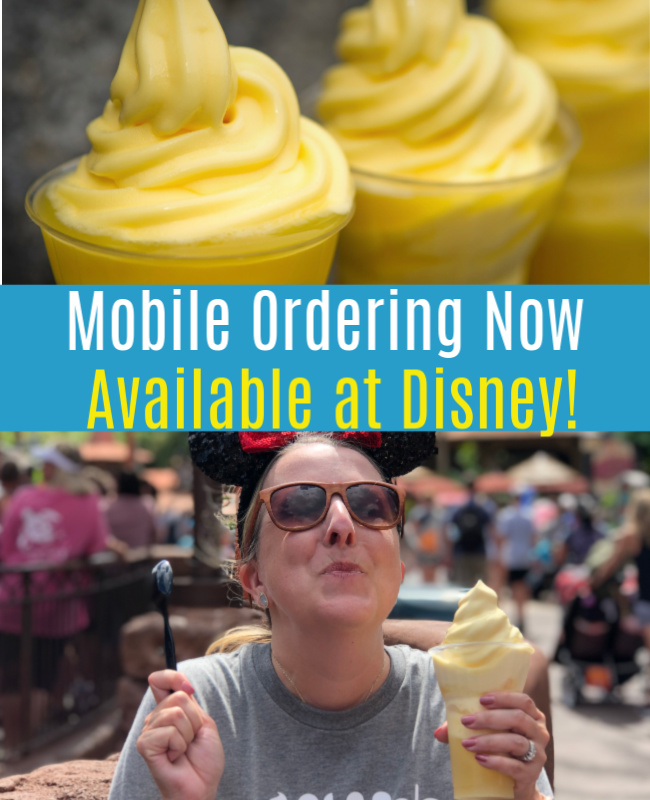
Check participating restaurants in the app
Open Disney’s official mobile ordering guide, then use the My Disney Experience app to see available locations and pickup windows. This includes participating resort dining locations. The app’s current list is more useful than the seven-restaurant launch list originally included in this post.

Choose a pickup window and place your order
Tap the plus symbol and choose “Order Food.” Pick a restaurant, available arrival time and menu items, then review and pay in the app. Check the payment options shown for your order; eligible dining-plan meals and snacks can be redeemed through the service.
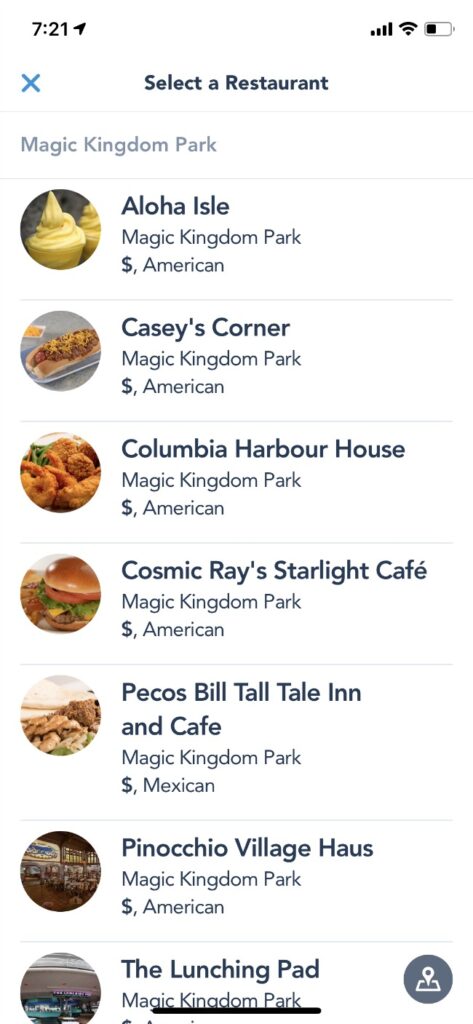
Tell the kitchen when you arrive
At the restaurant during your pickup window, select “I’m Here, Prepare My Order.” Wait for the ready notification before going to the mobile-order pickup counter. Ordering ahead does not mean the food is prepared before you check in.
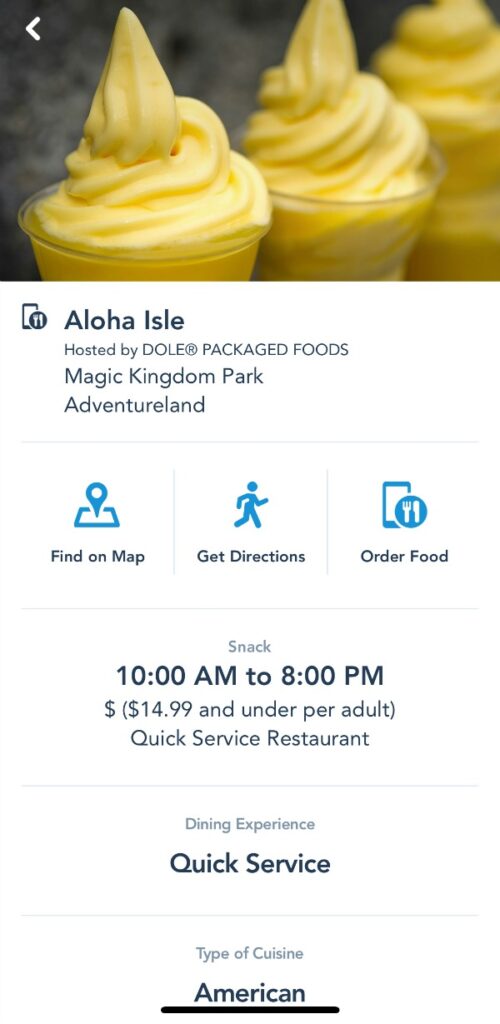
My planning tip: look at the available pickup windows before your group gets hungry, and keep enough phone battery for the app. Restaurant availability and ordering features can change, so follow the instructions shown for your order.
The screenshots above are from the original post and show an earlier version of the app; today’s screens and menus may look different.
Need help planning your Disney vacation?
I’m a travel agent, and it’s free to use my travel planning services. I’d be happy to discuss your family’s trip and help you work through the options.